
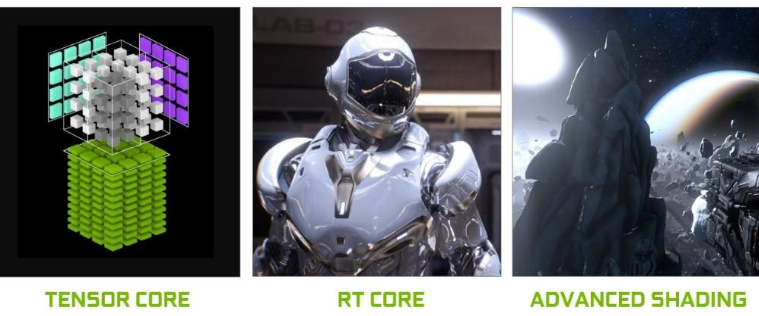
Omniverse runs on NVIDIA RTX technology.
Therefore, a GPU must have both RT Cores and Tensor Cores for features such as real-time rendering, sensor simulation, and path tracing to function properly.
Among Omniverse’s core features, the following are either impossible to run without RT Cores or suffer from severe performance degradation:
In conclusion, Omniverse cannot deliver proper performance or functionality on GPUs without RT Cores.
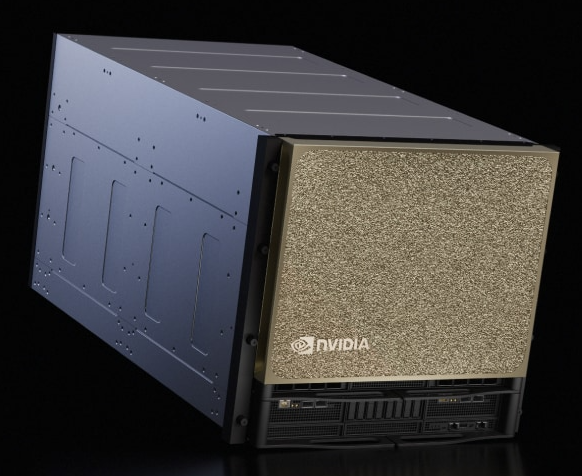
AI-focused GPUs (B300, B200, H100, H200, A100, V100) do not have RT Cores.
As a result, the following issues arise:
While applications may technically “run,” the performance level is not usable in real-world projects.
These GPUs excel at AI training, but they are not suitable for digital twins or simulation workloads.
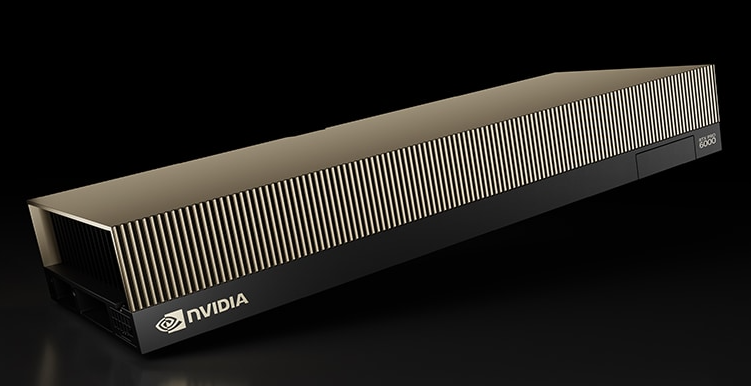
RTX GPUs (L40S, RTX PRO 6000, RTX 6000 Ada, etc.) include both RT Cores and Tensor Cores,
and they provide hardware-accelerated support for the following:
In short, Omniverse, Isaac Sim, digital twins, industrial visualization, and sensor simulation workloads require RTX-class GPUs.
| Category | GPU Model | RT Cores | Omniverse Support | Isaac Sim (Visualization/Sensors) | Isaac Lab (Headless Training) | Key Characteristics |
|---|---|---|---|---|---|---|
| AI-Only Training GPUs | B300 | None | Not supported | Not supported | Supported | Blackwell AI–only, ultra-fast LLM/RL/DL training, 270GB HBM3e (B300 Ultra) |
| B200 | None | Not supported | Not supported | Supported | High-performance AI training, 192GB HBM3e | |
| H200 | None | Not supported | Not supported | Supported | Increased VRAM vs H100 (141GB HBM3e), optimized for AI training | |
| H100 | None | Not supported | Not supported | Supported | Large-scale AI training, 80GB HBM3 | |
| A100 | None | Not supported | Not supported | Supported | Flagship AI training GPU, 80GB HBM2e | |
| V100 | None | Not supported | Not supported | Supported |
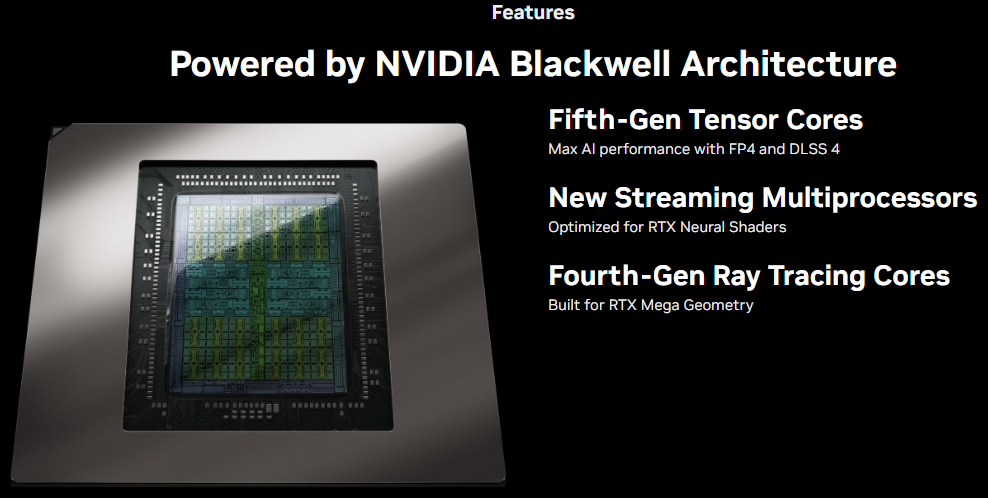
RTX PRO 6000 is NVIDIA’s latest Blackwell-based professional GPU.
It is a general-purpose, high-performance GPU capable of handling AI, simulation, graphics, and digital-twin workloads in one.
In particular, it is optimized for RTX-based simulations because it integrates both 4th Gen RT Cores and 5th Gen Tensor Cores, which are essential for Omniverse and Isaac simulations.
Key Features
Why It Is Ideal for Omniverse/Isaac
GPU requirements for NVIDIA’s robotics tools vary significantly depending on whether rendering/sensors are involved.
1) Isaac Sim (Visualization + RTX Sensors + Physics)
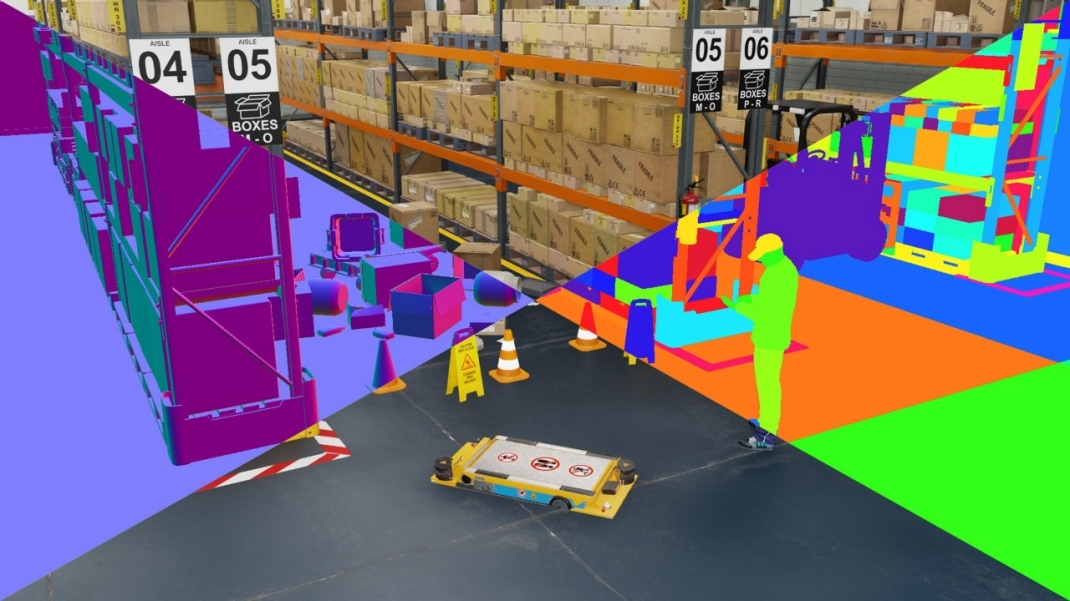
Required capabilities:
Required GPUs:
AI-only GPUs (B200/B300/H100/H200/A100/V100)
have no practical support or extremely poor efficiency for visualization, sensor simulation, and RTX-based rendering, so they are not suitable for running Isaac Sim simulations.
2) Synthetic Data Generation
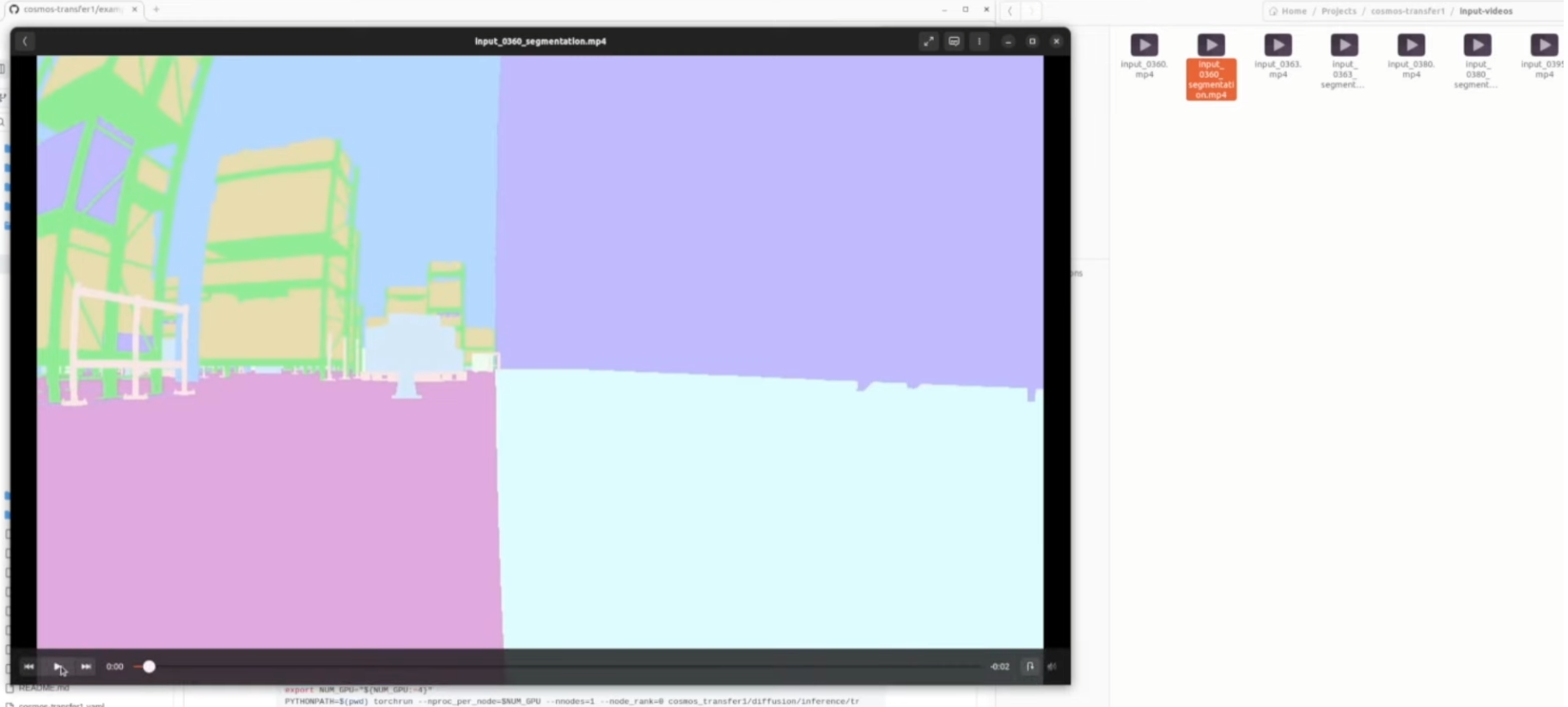
Synthetic data generation replaces real-world data collection with simulation to automatically generate large amounts of labeled data for training sensor-based AI models such as camera and LiDAR perception.
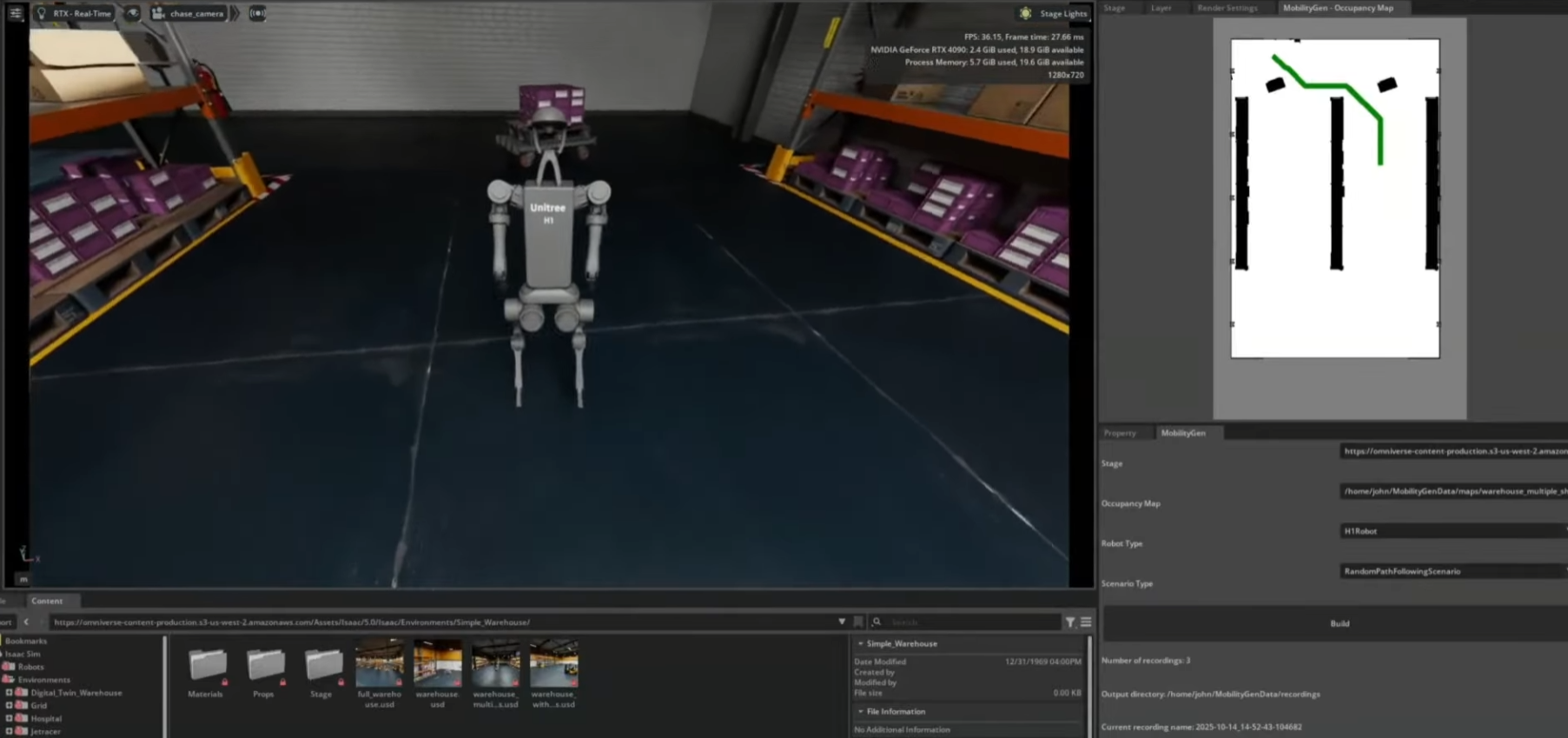
NVIDIA Isaac Sim includes built-in features dedicated to this synthetic data pipeline.
Notably, synthetic data allows automatic generation of the following, without manual labeling:
Why Synthetic Data Is Necessary
In short, synthetic data is a core technology for robot perception training, enabling full control over data diversity, scale, and difficulty.
3) Isaac Lab (Headless Training — No Rendering)
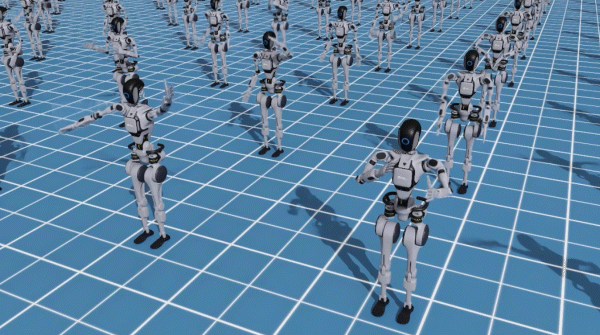
Isaac Lab can run in headless (non-visual) mode for reinforcement learning and robot training.
Therefore, the following AI-only GPUs can be used for Isaac Lab training:
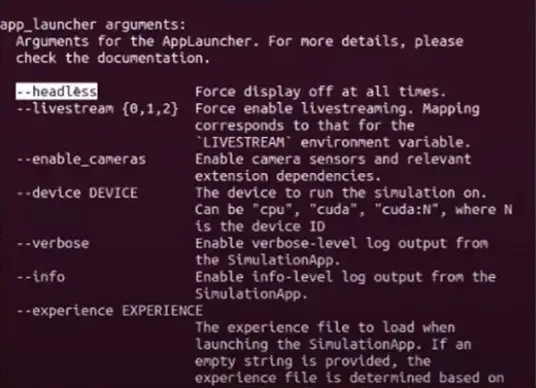
In headless mode, the focus is solely on:
In this context, AI accelerator GPUs can actually be more efficient.
Platform considerations: JAX-based SKRL training in Isaac Lab runs CPU-only by default on aarch64 architectures (e.g., DGX Spark). However, if JAX is built from source, GPU support is possible (though this configuration is not yet validated within Isaac Lab).
Because Omniverse-based digital twins/sensor simulations and large-scale AI training rely on different GPU architectures, it is difficult to cover all workloads with a single GPU.
Depending on purpose, scale, and budget, the following three configurations are commonly used.
“Single RTX GPU Workstation Setup”
An RTX GPU (e.g., RTX PRO 6000, RTX 6000 Ada) can handle all of the following on a single workstation:
Characteristics:
Limitations:
Recommended GPUs for this configuration:
Conclusion:
A general-purpose development workstation suitable for “Omniverse + mid-scale AI workloads.”
“Hybrid Server with RTX GPU + AI GPU”
This is the most widely used architecture in real research labs and companies.
Workload separation:
Advantages:
can each run at peak performance on dedicated GPUs.
Example configuration:
Conclusion:
The most balanced architecture that guarantees both AI training speed and Omniverse graphics performance.
“Dual-Server Architecture (Dedicated Servers)”
In this setup, environments are fully separated.
Advantages:
This configuration aligns with NVIDIA’s officially recommended architecture for enterprise and robotics customers.
Conclusion:
The enterprise-standard architecture for running large-scale digital twins and robot AI training together.
NVIDIA Brev (Brev.dev) is a cloud GPU platform that lets you rent diverse GPU servers by the hour and start using them immediately.
Before purchasing hardware, it is extremely useful for testing which GPUs run Omniverse/Isaac Sim/Isaac Lab best in an environment similar to your production setup.
Brev is particularly strong in the following scenarios:
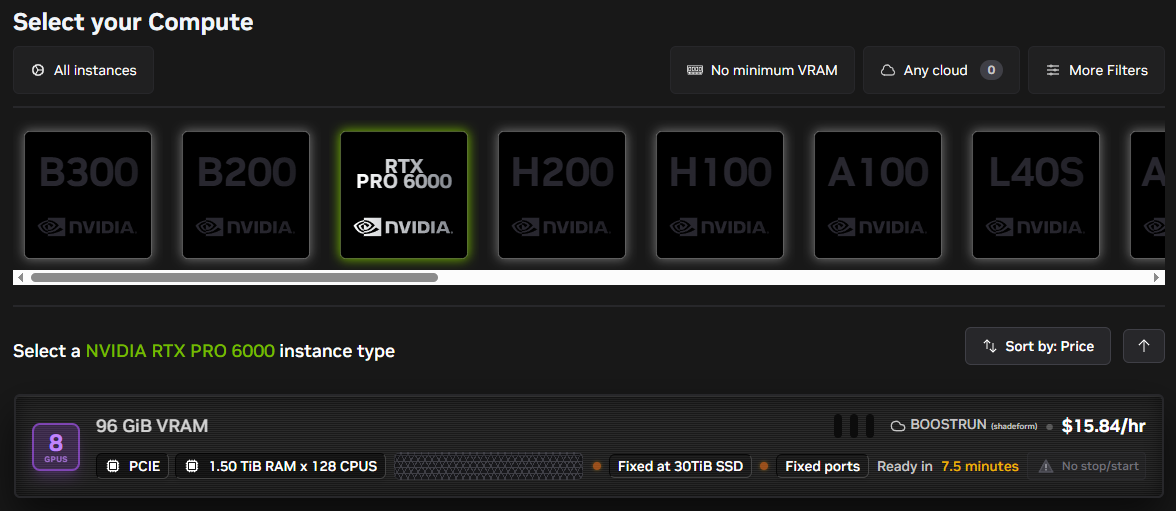
Available GPUs differ by provider on Brev, but in general you can access the following:
RTX-Based (Suitable for Omniverse)
AI-Training-Focused (Suitable for Headless Isaac Lab and LLM Training)
In other words, Brev provides both RTX-class and AI-class GPUs, allowing you to prototype your intended on-premise server architecture in the cloud first, with a nearly identical configuration.
Share this post:
| Previous-generation AI accelerator, 32GB HBM2 |
| RTX-Based GPUs | RTX PRO 6000 (Blackwell) | Yes (4th Gen) | Supported | Fully supported | Supported | Optimal for Omniverse/robot simulation, 96GB GDDR7 ECC, 24,064 CUDA Cores |
| L40S (Ada) | Yes (3rd Gen) | Supported | Fully supported | Supported | Top-tier data center RTX for simulation/graphics, 48GB GDDR6 |
| L40 (Ada) | Yes (3rd Gen) | Supported | Supported | Supported | Workstation/server GPU capable of Omniverse, 48GB GDDR6 |
| RTX 6000 Ada | Yes (3rd Gen) | Supported | Supported | Supported | Enterprise workstation GPU, 48GB GDDR6 |
| A6000 | Yes (2nd Gen) | Supported | Supported | Supported | Ampere-generation workstation flagship, 48GB GDDR6 |
| A40 | Yes (2nd Gen) | Supported | Supported | Supported | Server-grade RTX GPU, 48GB GDDR6 |
| A5000 | Yes (2nd Gen) | Supported | Supported | Supported | Mid-range RTX GPU capable of graphics/simulation, 24GB GDDR6 |